
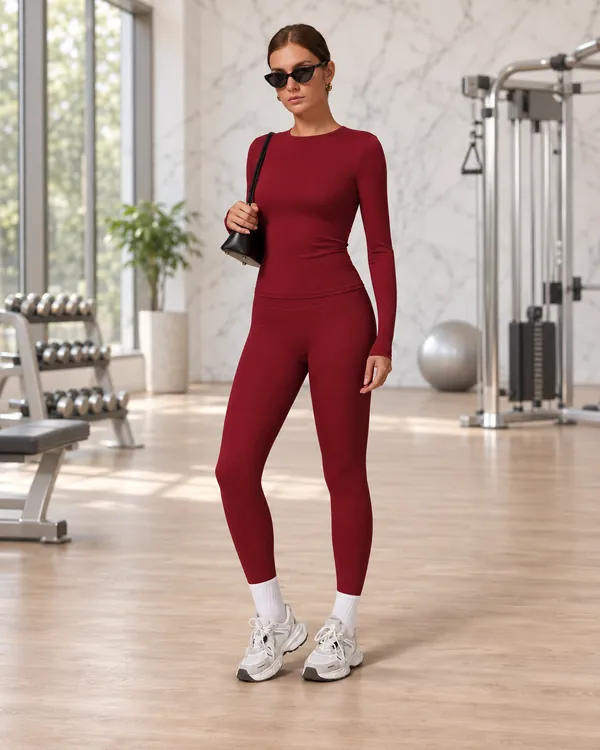
A tech pack is the instruction file a factory works from: what the garment looks like, how it is measured, what it is made of and where your logo goes. A clear tech pack means fewer sampling rounds and fewer surprises in bulk.
What is in the template
| Tab | What you fill in |
|---|---|
| Cover | Brand, style name, garment type, size range, fabric, colours, quantities, target date |
| Measurements | Points of measure for leggings, sports bras and tops — waist, hip, rise, inseam, underbust, chest and more — with a tolerance column |
| BOM | Main fabric, lining, elastic, thread, trims, labels, hangtag and packaging |
| Logo & artwork | Position, print method, size and colour for each logo — chest, back, back neck, waistband, sleeve, hem, leg |
| Colourways | One row per colour with Pantone codes and the quantity per size |
| Packing | Folding, polybag, barcode labels and carton marks |
Do you need a full tech pack?
Not always. If you are adding your logo to one of our in-stock styles, all we need is your logo file, where it goes and the quantities — logo orders start from 2 pieces per style. A full tech pack matters when you change the fit, the fabric or the colour, or design a style from scratch (custom colours and custom designs start from 100 pieces).
Tips for filling it in
- Measure flat. Lay the garment flat and measure straight across; note it in the "How to measure" column.
- Leave gaps rather than guess. Blank measurements tell us to use our standard grading — better than a wrong number.
- Use Pantone codes for colour. Screens show colours differently; a code avoids a second sample.
- Attach photos. A photo of a style you like plus notes ("longer leg", "higher waist") is often enough to start.
Send your tech pack or reference photos through our quote form — we reply with a free logo mock-up, price and lead time. See also custom & private label and the size guide.